> ## Documentation Index
> Fetch the complete documentation index at: https://helpcenter.raker.one/llms.txt
> Use this file to discover all available pages before exploring further.
# RakerOne user guide
> Set up document-heavy processes once, then let Florent draft while you review and approve.
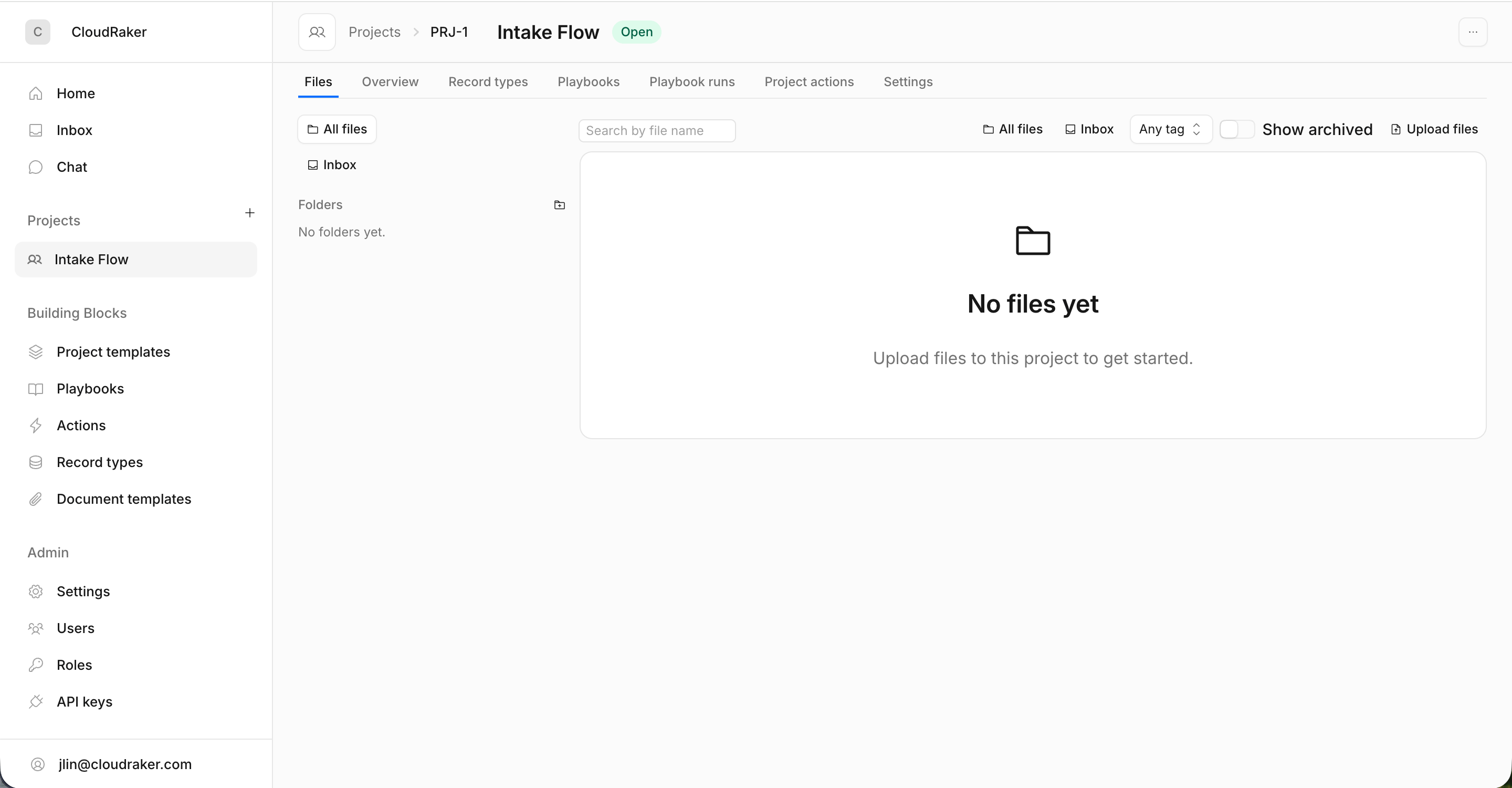
RakerOne is a back-office automation platform where you and the AI assistant **Florent** run document-heavy processes together — intake, invoice processing, contract review, vendor onboarding, claims, and the like. You define a process once and run it whenever you need it. Florent does the heavy lifting — reading documents, pre-filling forms, drafting records and documents — but **you always review and approve before anything becomes real data.**
In short: Florent drafts; you decide.
 ## Start here
The product, who it's for, and the mental model behind it.
Run your first playbook end to end, from project to approved records.
Every term defined once — playbook, run, task, record, and more.
Find, claim, and complete the tasks waiting on you.
## Explore by area
The workspace for one piece of work — its files, records, runs, and people.
Reusable definitions of a multi-step process: the steps, their order, and what needs approval.
The shape of your data, like "Invoice" — and the records that fill it.
Automations that extract data, generate documents, and fill forms.
Roles, permissions, members, and organization settings.
New to RakerOne? Read [What RakerOne is](/get-started/introduction) first, then follow the [Quickstart](/get-started/quickstart) to see the whole flow in one sitting.
## Start here
The product, who it's for, and the mental model behind it.
Run your first playbook end to end, from project to approved records.
Every term defined once — playbook, run, task, record, and more.
Find, claim, and complete the tasks waiting on you.
## Explore by area
The workspace for one piece of work — its files, records, runs, and people.
Reusable definitions of a multi-step process: the steps, their order, and what needs approval.
The shape of your data, like "Invoice" — and the records that fill it.
Automations that extract data, generate documents, and fill forms.
Roles, permissions, members, and organization settings.
New to RakerOne? Read [What RakerOne is](/get-started/introduction) first, then follow the [Quickstart](/get-started/quickstart) to see the whole flow in one sitting.